Send your tabs
to bed.
Snooze a tab — or a whole window — and it reopens right when you need it, with your note waiting on the page. Your browser stays clear. Nothing gets lost.
Free during early access · No account · Stays on your device
- Tabs or whole windows
- Any date & time
- Recurring wake-ups
- Notes that come back
Snooze it. Forget it.
It comes back on time.
One shortcut, a time, an optional note. After that, your only job is to stop thinking about it.
Snooze it
Press Alt+S or click the moon. Pick this tab or the whole window, choose when, and add a note if you like.
It sleeps
The tab closes and waits on your device. Every sleeping tab sits in one list you can search, edit or wake early.
It wakes
Right on time, the tab reopens with a small card showing your note, so you remember why you saved it.
Snooze one tab.
Or the whole window.
Done for the day? Put an entire window to sleep in one move. It comes back as a window — same tabs, same order.
Just this tab
Snooze what’s in front of you and keep working.
The whole window
Every tab sleeps as one and wakes together, with the tab you were on still in front.
Your default
Get asked each time, or always snooze the current tab — or always the whole window.
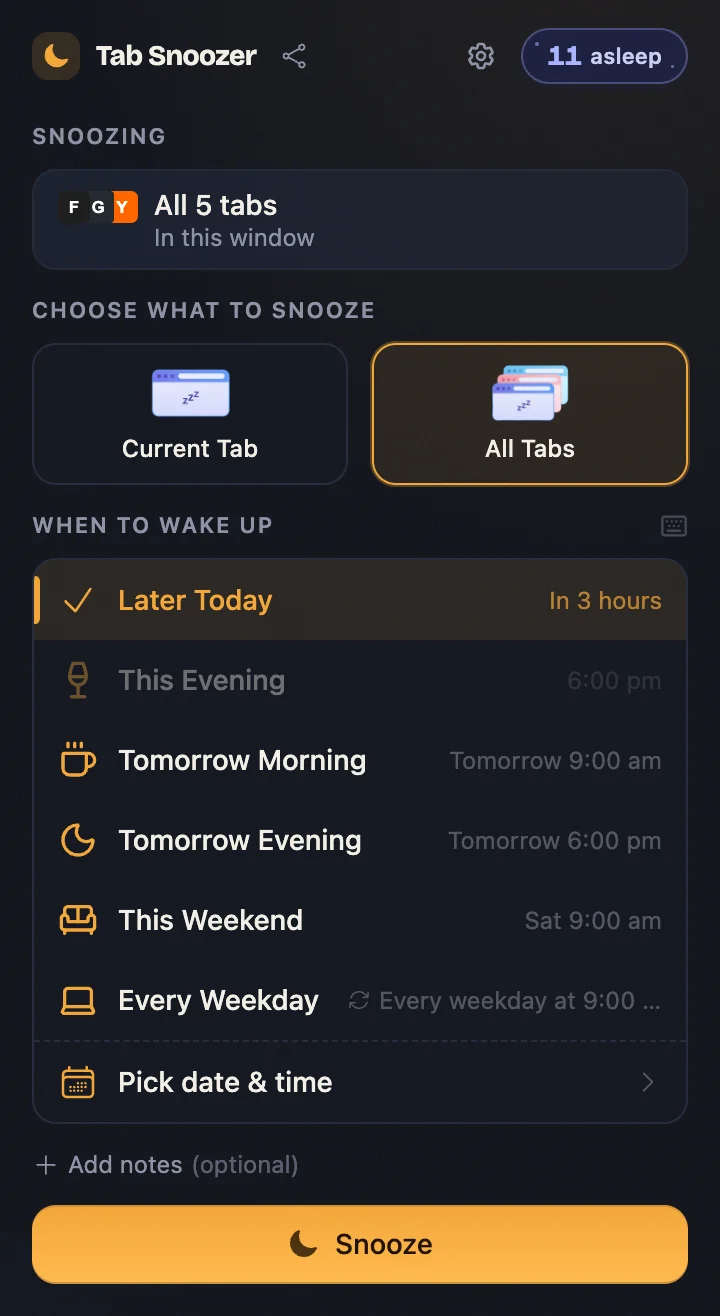
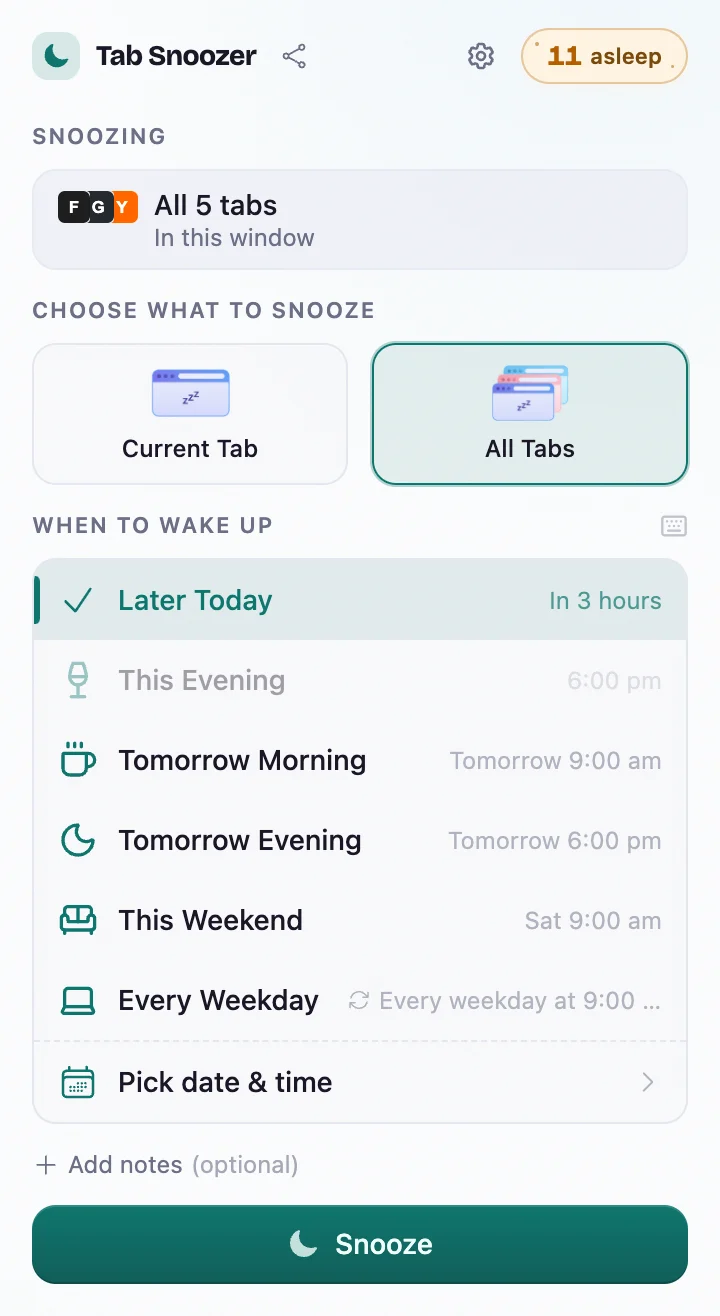
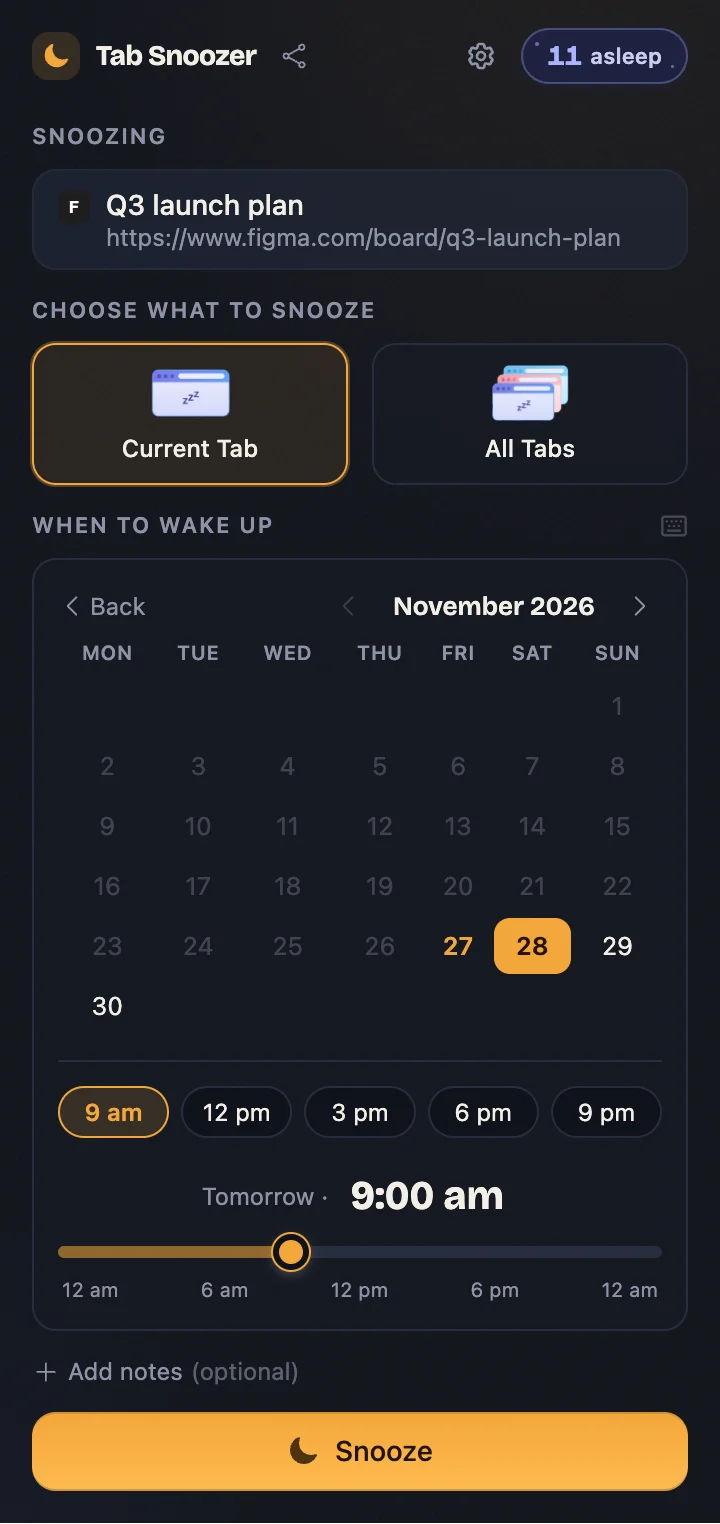
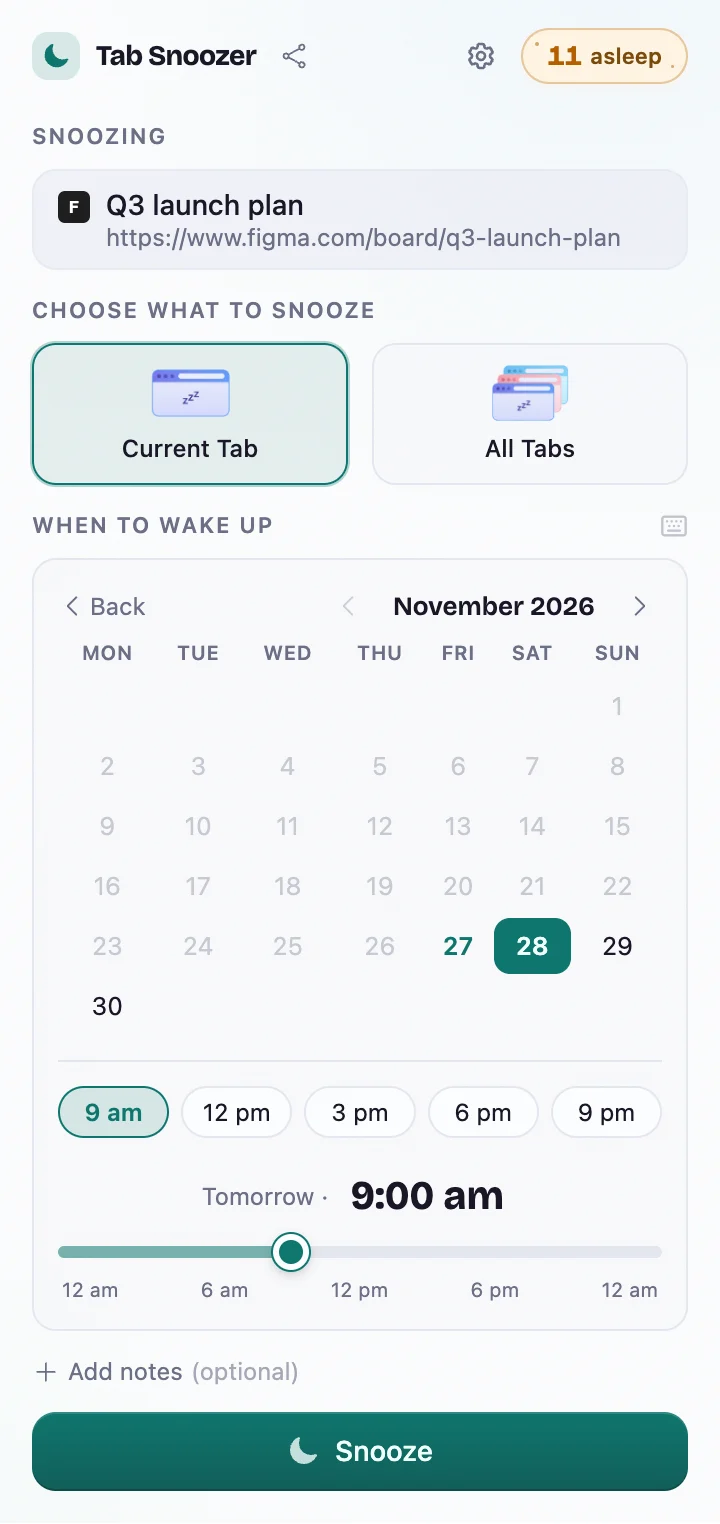
Wake it up exactly when you mean.
Six ready-made times cover most days. For everything else, pick any date and time — or have the tab come back on a schedule.
One-click presets
Later today, this evening, tomorrow morning, this weekend — pick one and you’re done.
Any date & time
A calendar and time slider for the moments no preset covers.
Recurring wake-ups
Every weekday at 9, every Monday, every month — the tab keeps coming back on its own.
Make them yours
Add presets, rename them, pick an icon and drag to reorder, with a live preview as you edit.
Every tab comes back
with its reason.
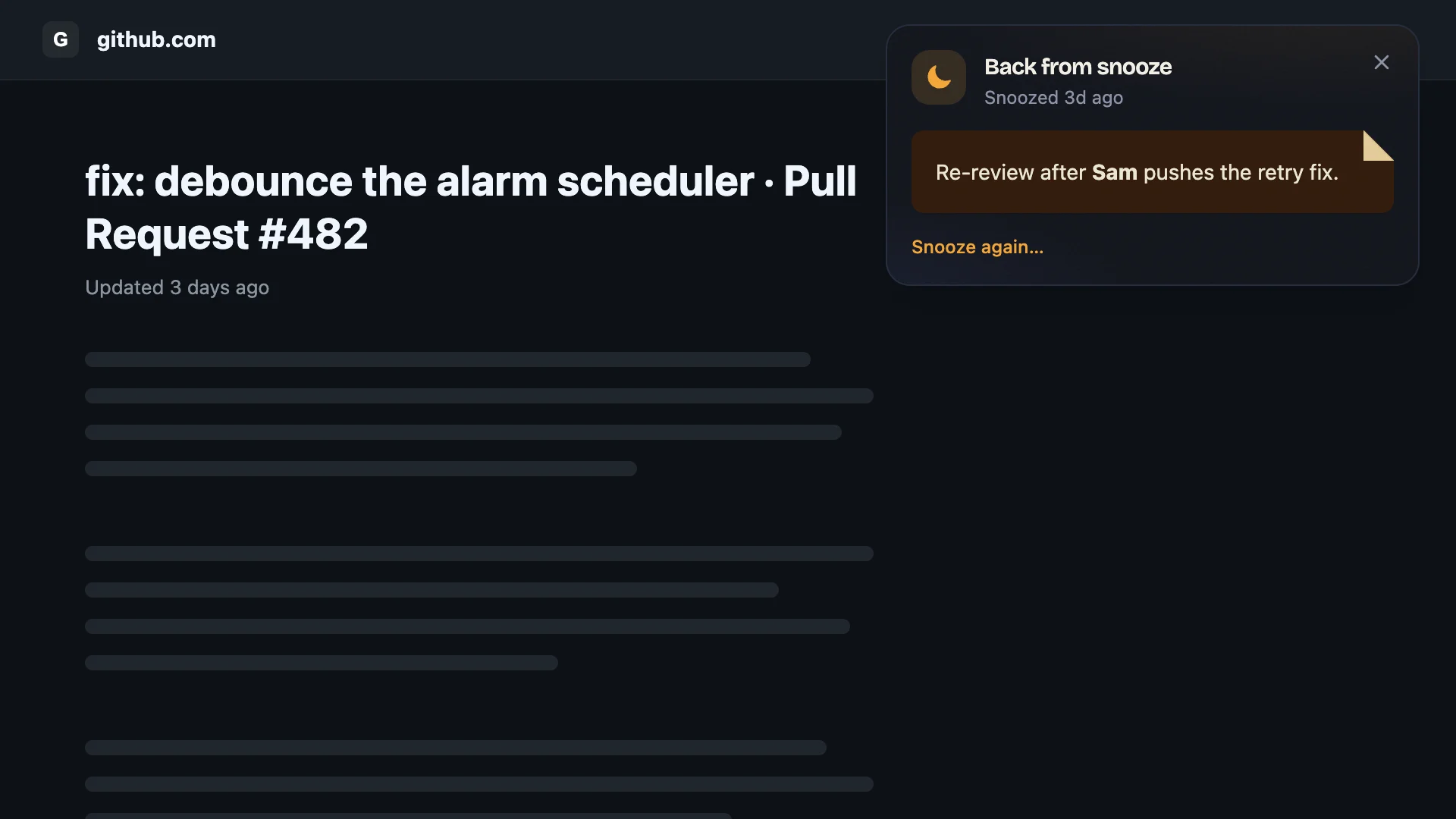
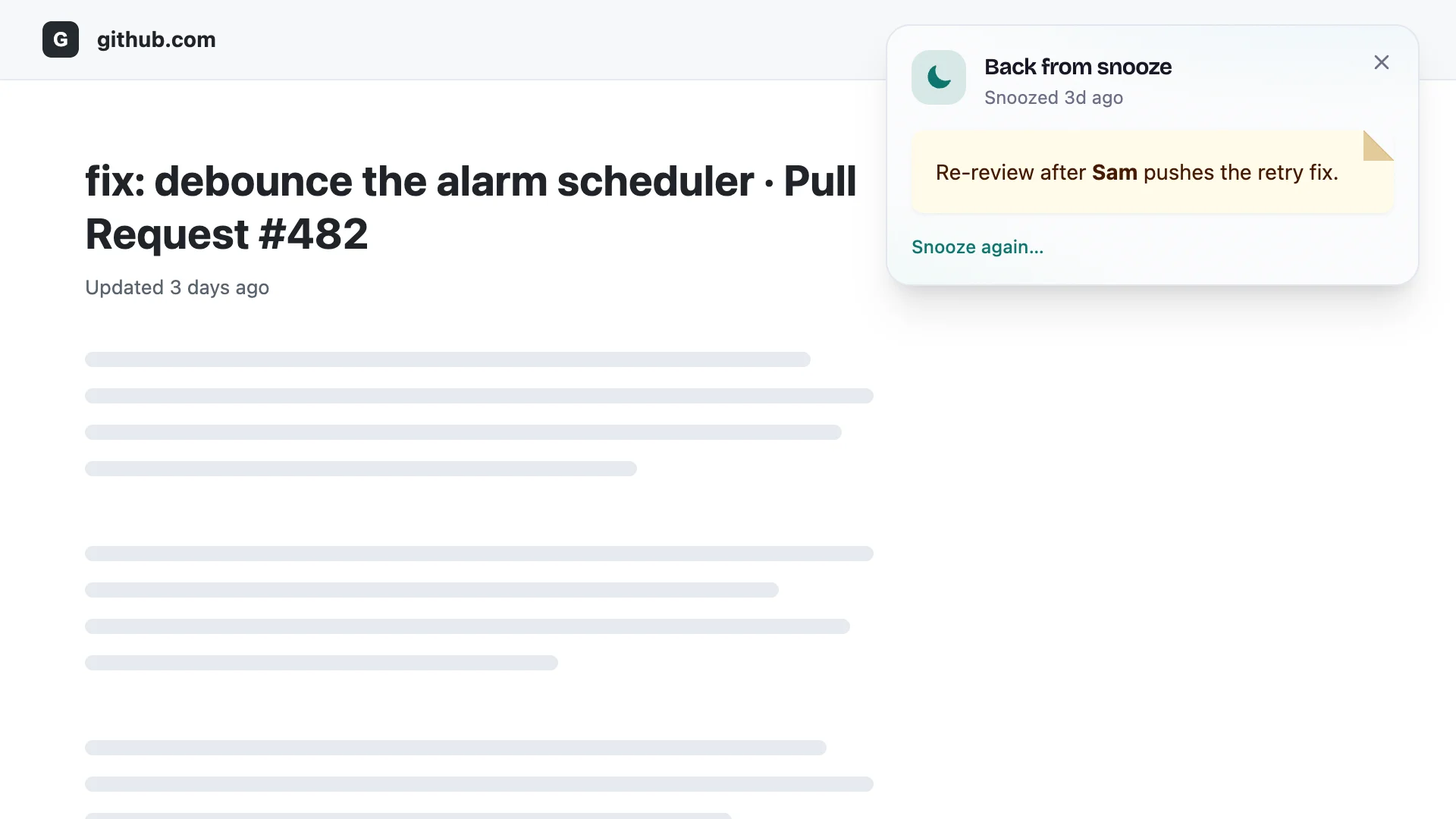
A tab tells you what, never why. Leave a note when you snooze it — when the tab reopens, a small card shows the note right on the page.
Your note, on the page
Bold, italic, underline — the card shows it the moment the tab loads.
Not ready yet?
Snooze it again from the card. The note comes along.
Opt-in
The card is off until you turn it on. Without it, you get a desktop notification instead.
Nothing missed
If a tab comes due while you’re away or your laptop is asleep, it opens when you’re back.
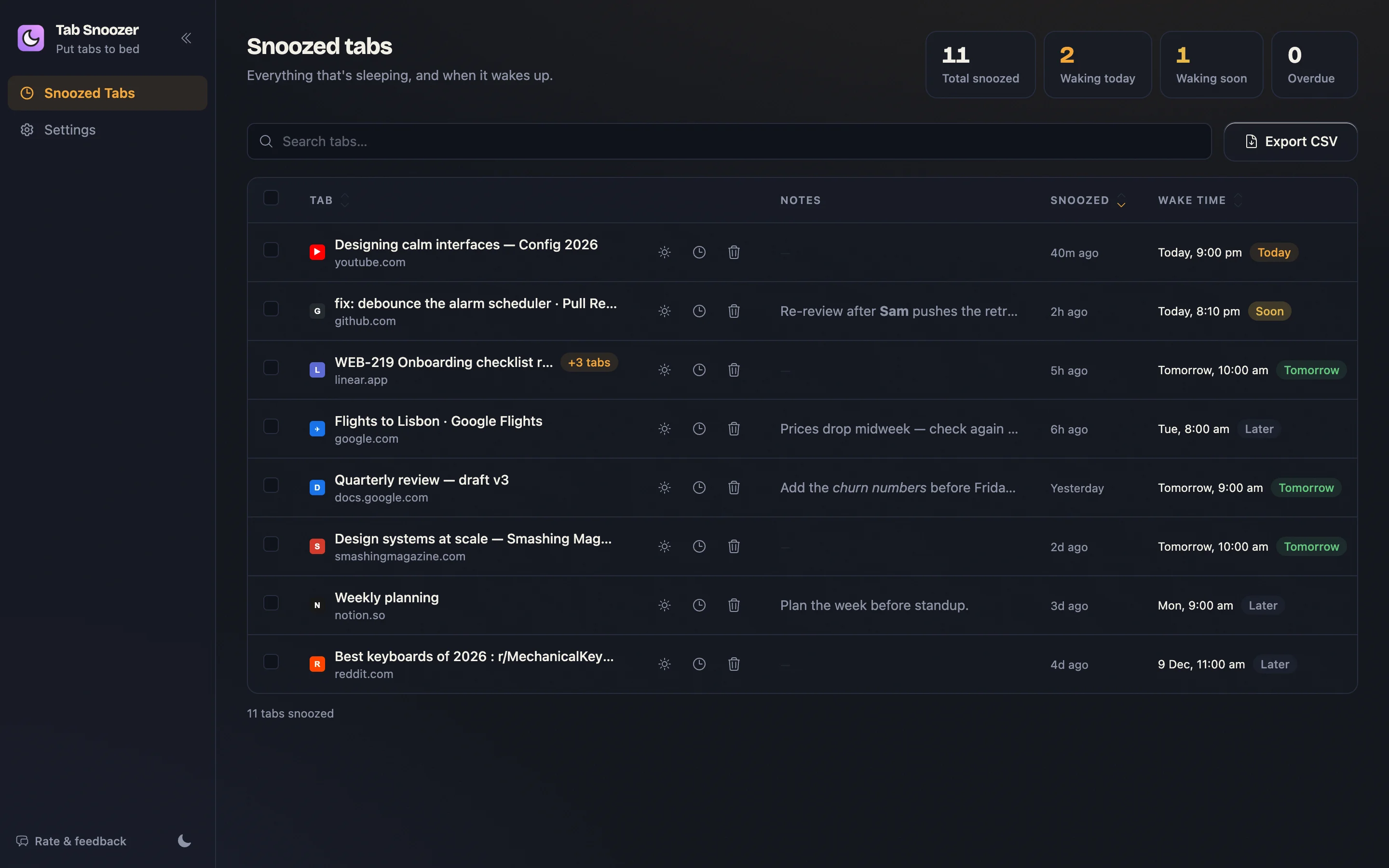
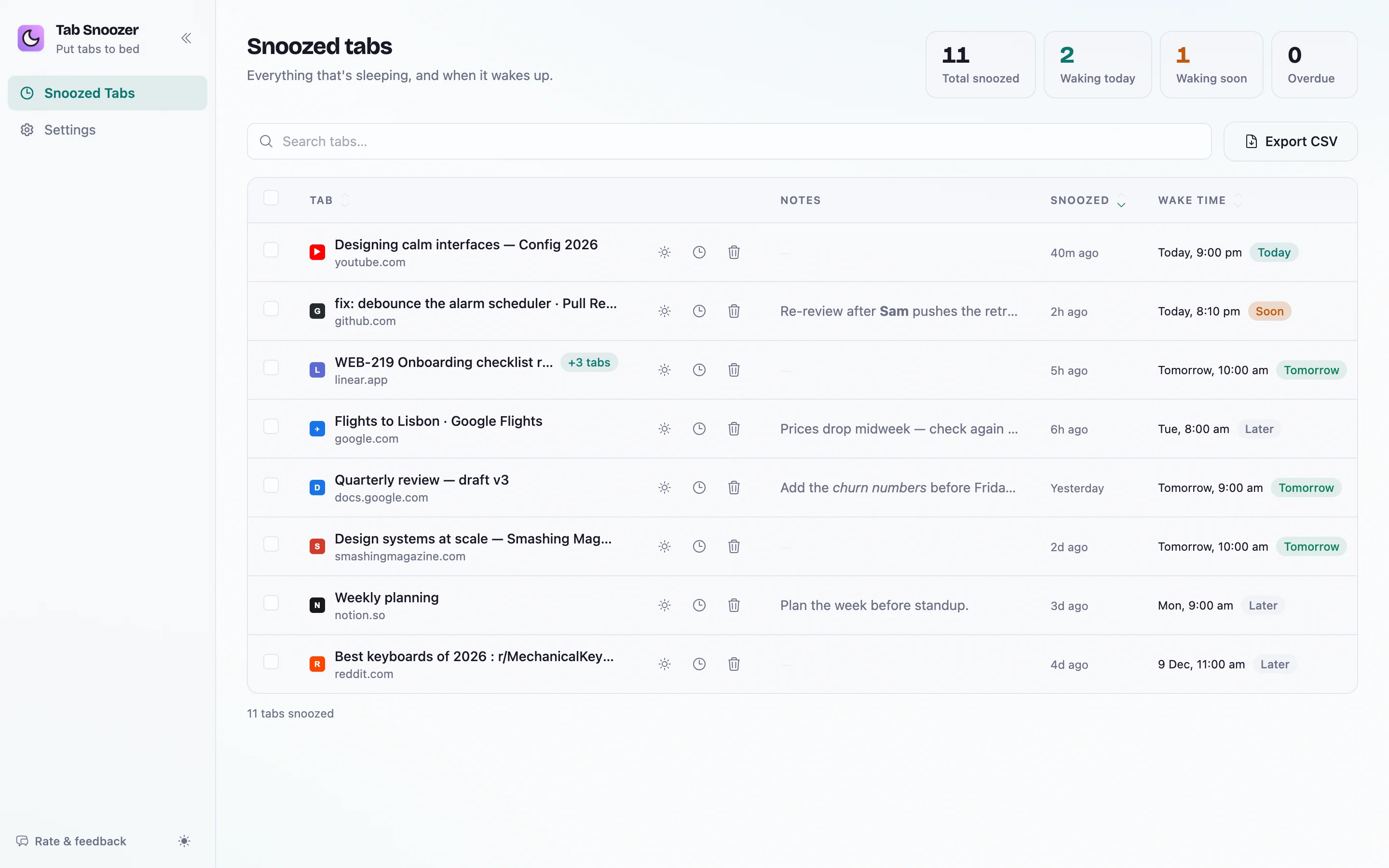
Everything asleep, in one place.
See what wakes today and what’s coming up. Wake a tab early, change its time or edit its note — right from the list. Alt+Shift+S opens it from anywhere.
Snooze without reaching for the mouse.
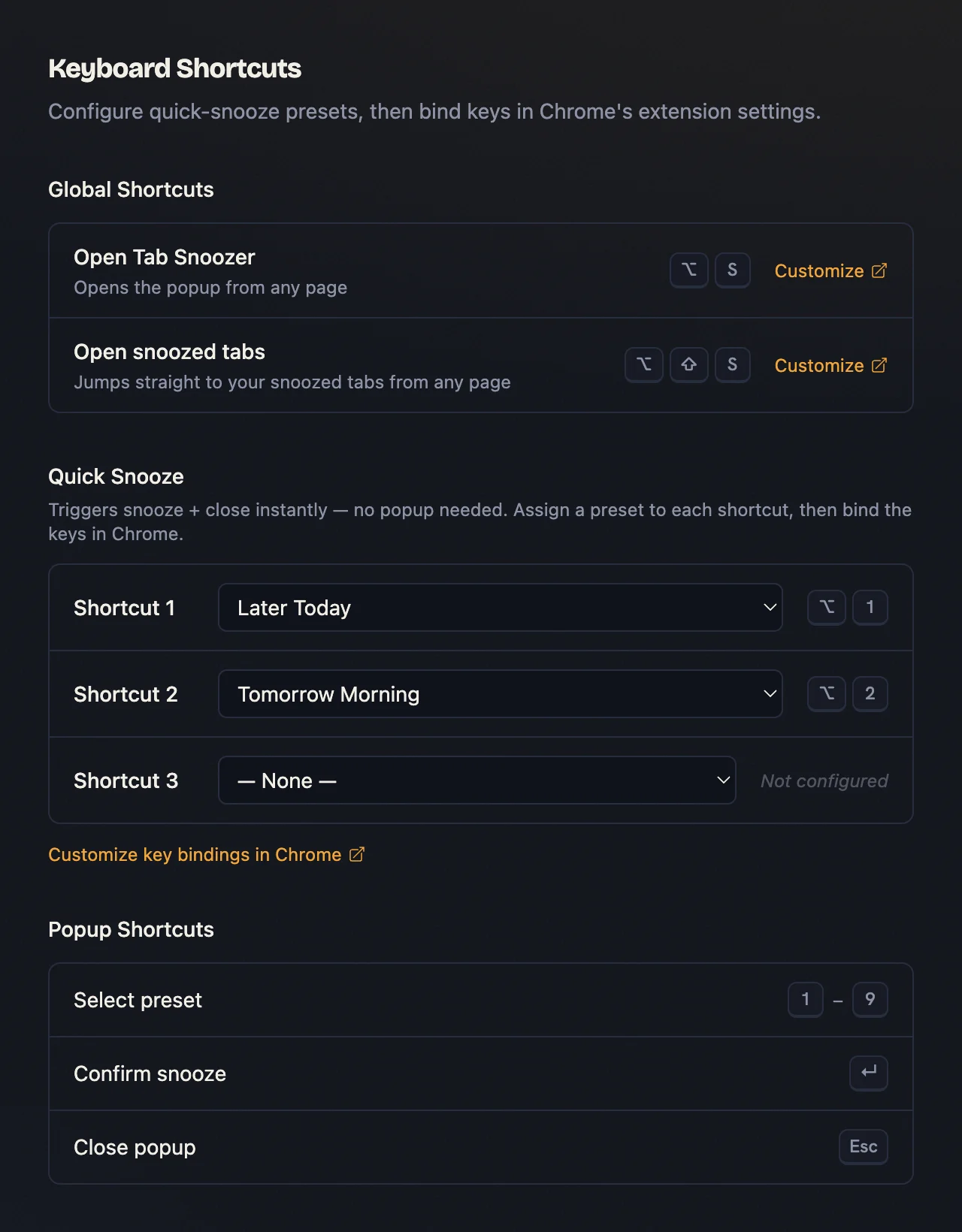
Open the popup with a shortcut, pick a time with a number key, press Enter. Or skip the popup entirely.
Two global shortcuts
Alt+S opens the popup. Alt+Shift+S opens your snoozed tabs. (⌥ on a Mac.)
Quick snooze
Give a preset its own shortcut — Alt+1, Alt+2 or a third of your choice — and the tab snoozes instantly, no popup.
Keys in the popup
1–9 picks a time, Enter snoozes, Esc closes.
Rebind anything
Change any key in Chrome’s shortcut settings.
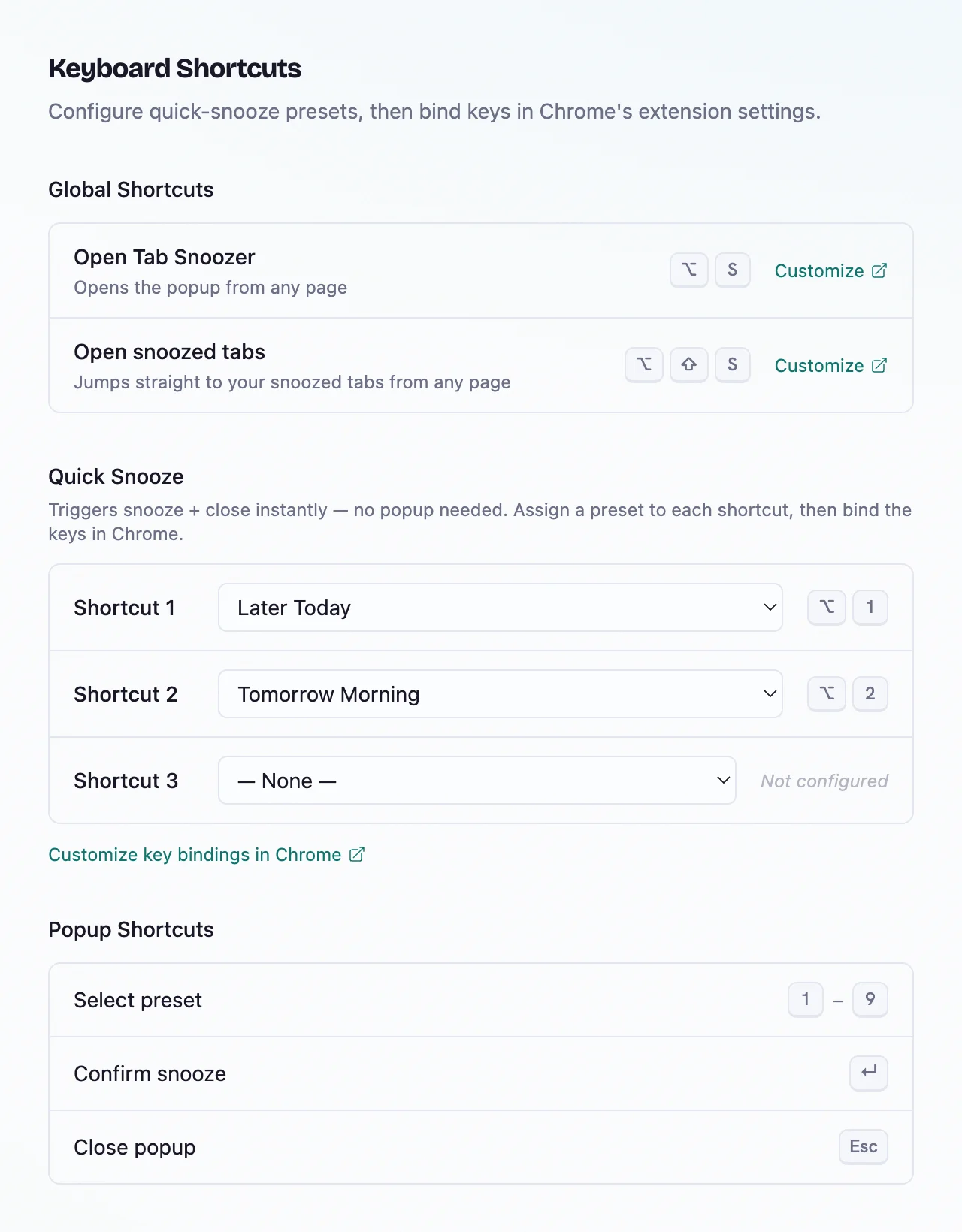
Dressed for day or night.
Match your browser or your mood. Pick a look below — this is the real popup, and it changes with you.
Light, dark or system
Pick a mode, or follow your OS as the day turns.
Two daytime accents
Iris to match the logo, or a calm teal.
12- or 24-hour clock
Wake times read the way you read a clock.
Everything in the box.
Small software, deep on purpose. Here’s the whole surface area, laid out plainly.
✦Snoozing
- Snooze the current tab
- Snooze a whole window — it wakes as a window
- See exactly what you’re about to snooze
- Ask each time, or set a default
✦Wake times
- Six ready-made presets
- Any date & time with a calendar
- In minutes, hours or days
- Specific days of the week
- Recurring wake-ups
- Times already past today grey out
✦Your presets
- Add your own
- Rename and re-time any preset
- 16 icons to choose from
- Drag to reorder
- Reset to defaults anytime
✦Waking up
- Notes on any snooze
- Bold, italic and underline
- Wake card shows the note on the page
- Or a desktop notification instead
- Missed while away? Opens when you’re back
✦Snoozed tabs
- Search titles, URLs and notes
- Sort by snooze or wake time
- Wake now, reschedule or edit notes
- Select several and cancel at once
- Export to CSV
- Back up and restore
✦Speed & feel
- Shortcuts for the popup and snoozed tabs
- Quick-snooze keys skip the popup
- Light, dark and system themes
- 12- or 24-hour clock
✦Trust
- Works fully offline
- No account
- Everything stays on your device
Your tabs are nobody’s business but yours.
Tab Snoozer runs entirely on your device. No ads, no tracking, no servers — and each permission it asks for has one clear job.
100% on your device
Your tabs, notes and settings never leave your browser. Nothing is uploaded, ever.
No ads. No tracking.
No analytics, no ad networks, no account. Nobody sees what you snooze.
Works offline
There are no servers. It runs entirely in your browser, online or not.
Permissions, in plain English
tabsto read the tab you’re snoozing and reopen it lateralarmsto wake tabs at the time you chosestorageto keep your snoozes, notes and settings on your deviceidleto notice when you’re away, so tabs due then open when you’re backnotificationsto tell you a tab is back when the wake card is offscriptingto place the wake card on a reopened pageall sitesoptionalonly if you turn on the wake card, so it can appear on the page that reopened
Free while we’re in
early access.
Tab Snoozer is new and moving fast. Right now every feature is unlocked and free — no account, no card. All we ask is that you tell us what’s broken and what’s missing.
Questions, answered.
Put your tabs to bed
tonight.
Clear the clutter, keep the reason, and let your browser bring things back when they matter. Installs in two clicks.
Free during early access · No account · Local-first